Healian
MY ROLE
UI/UX Designer
TEAM
Hitesh (UI Designer), Dariia (UX Designer), Ivan (UX Research)
TIMELINE
Sep - Dec 2024
SOftware

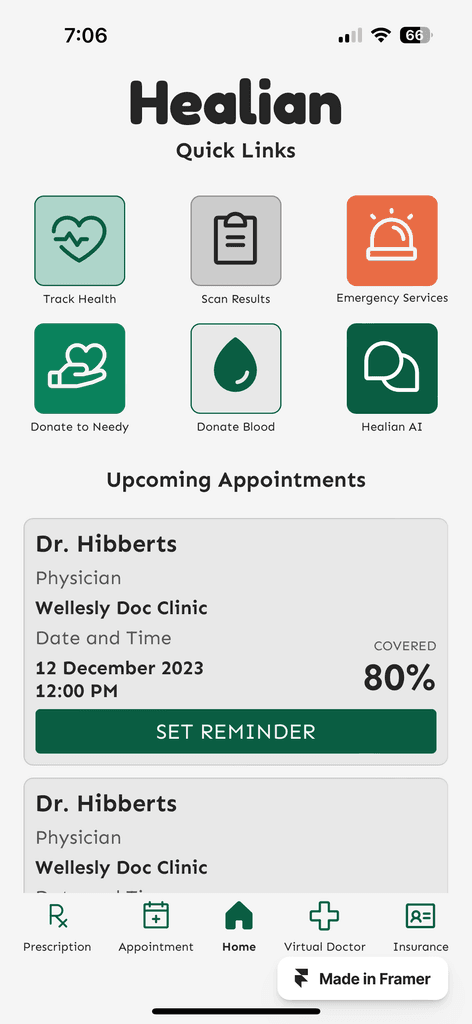

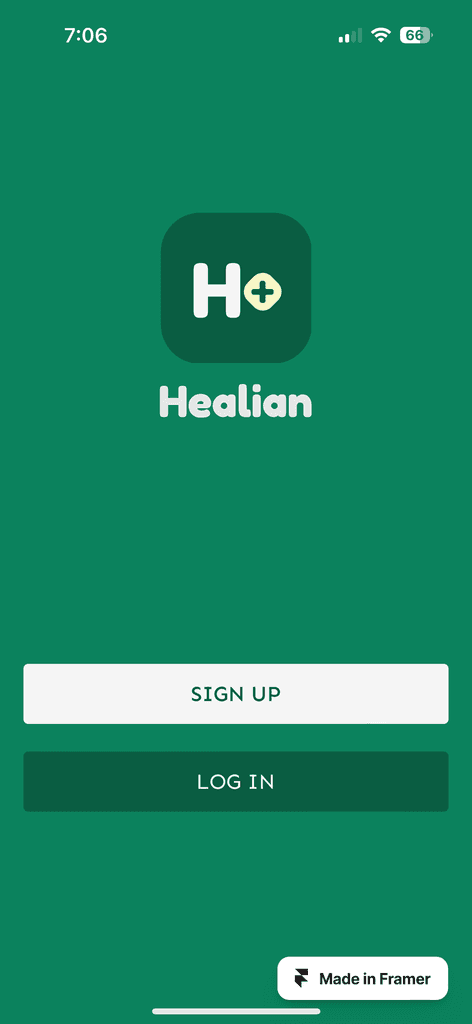
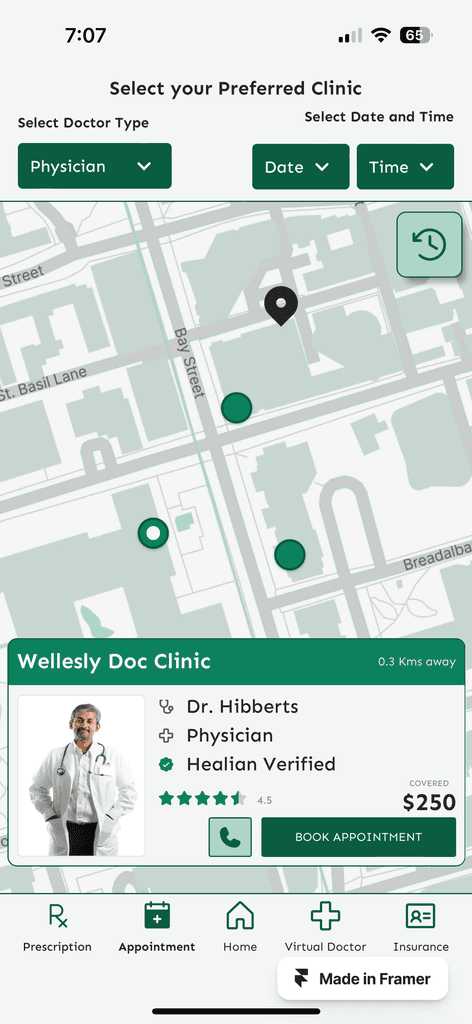
Solution
Timeline
From explorations to final designs in 5 weeks while working with multiple projects at the same time
Background
Wthr leverages artificial intelligence to optimize your daily schedule, ensuring maximum productivity and work-life balance. The app seamlessly integrates with your existing calendar and task management tools, using advanced algorithms to prioritize tasks, suggest optimal times for meetings, and provide smart reminders.
This category details the step-by-step approach taken during the project, including research, planning, design, development, testing, and optimization phases.
Research & Planning
Conducted market research to identify existing scheduling challenges and user preferences. Defined target audience segments and outlined key features based on user needs and market trends.
Design & Prototyping
Collaborated with designers to create intuitive user interfaces and interactive prototypes. Iteratively refined designs based on user feedback to enhance usability and visual appeal.
Development & Implementation
Leveraged agile development methodologies to build the scheduling app from the ground up. Prioritized feature development based on user feedback and technical feasibility. Implemented AI algorithms to analyze user behavior and optimize scheduling recommendations.
Testing & Optimization
Conducted rigorous testing across various devices and platforms to ensure compatibility and performance. Gathered user feedback through beta testing and iteratively optimized the app based on usability metrics and user satisfaction.
Intelligent Scheduling
AI algorithms analyze user preferences, availability, and priorities to generate optimized schedules.
Calendar Integration
Seamless integration with popular calendar platforms such as Google Calendar and Outlook, ensuring synchronized scheduling across devices.
Personalization
Customizable settings allow users to tailor scheduling preferences and priorities to their unique needs.
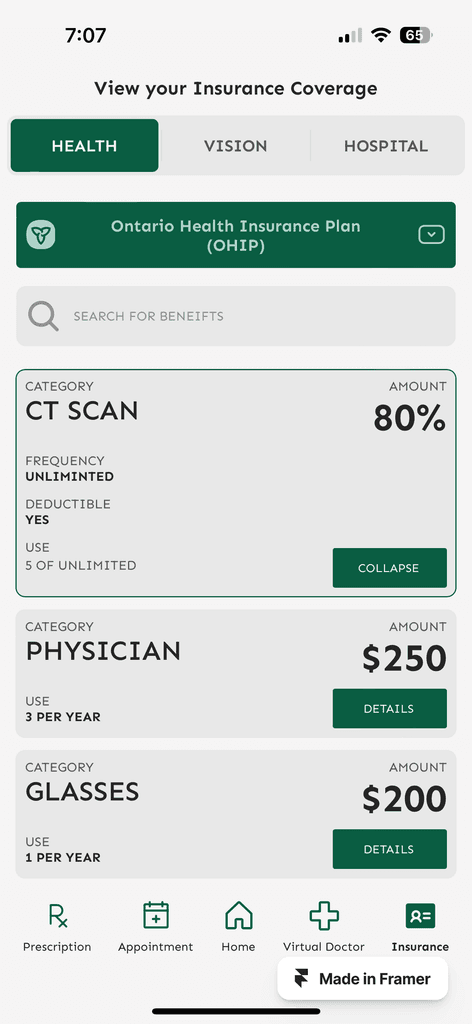
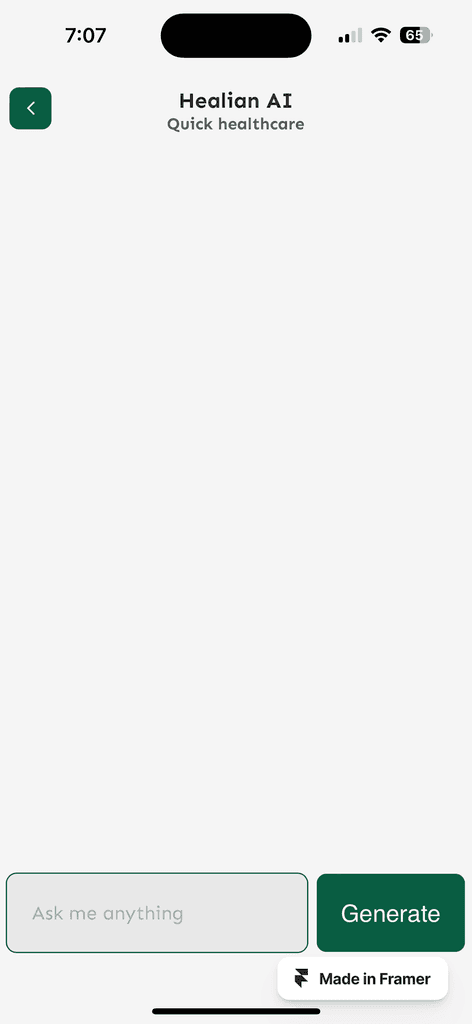
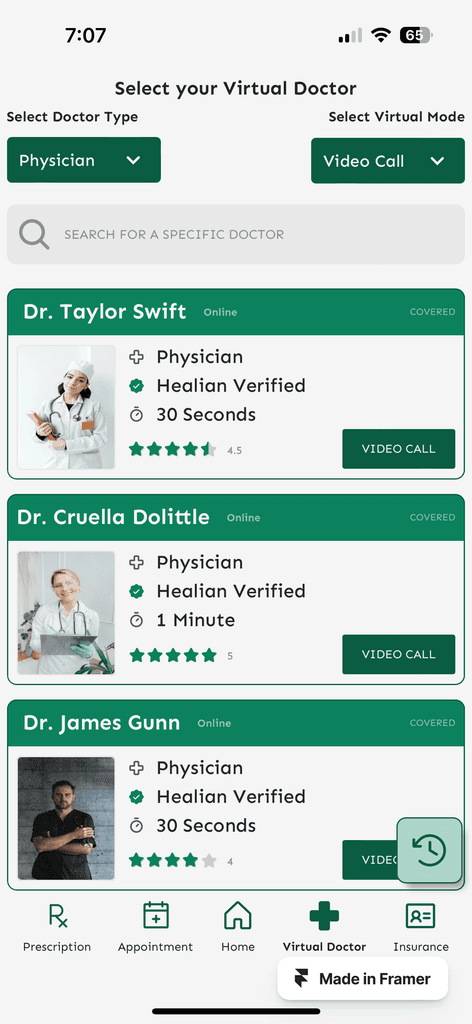
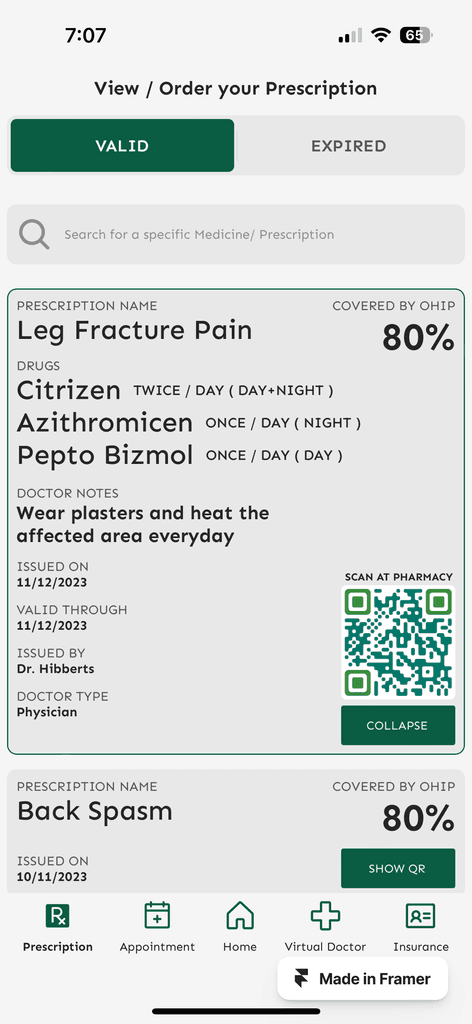
Here, the outcomes and achievements of the project are highlighted, including user feedback, adoption rates, and industry recognition.
Increased Efficiency
Users report significant time savings and improved productivity through optimized scheduling recommendations.
Positive User Feedback
High user satisfaction ratings and positive reviews highlight the app's intuitive interface and powerful AI capabilities.
Growing User Base
The app quickly gained traction among individuals and businesses worldwide, with a steady increase in user adoption and engagement.
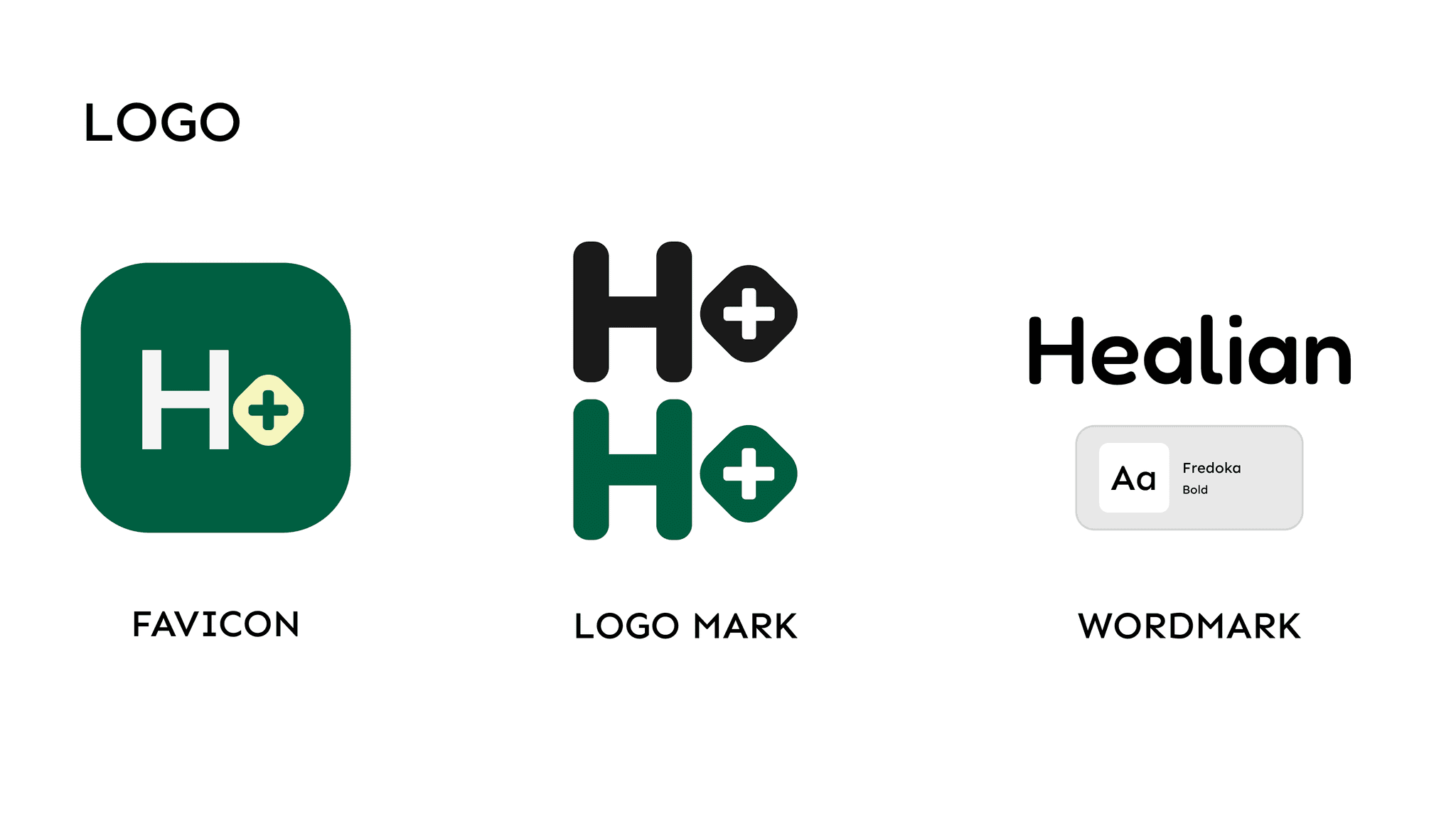
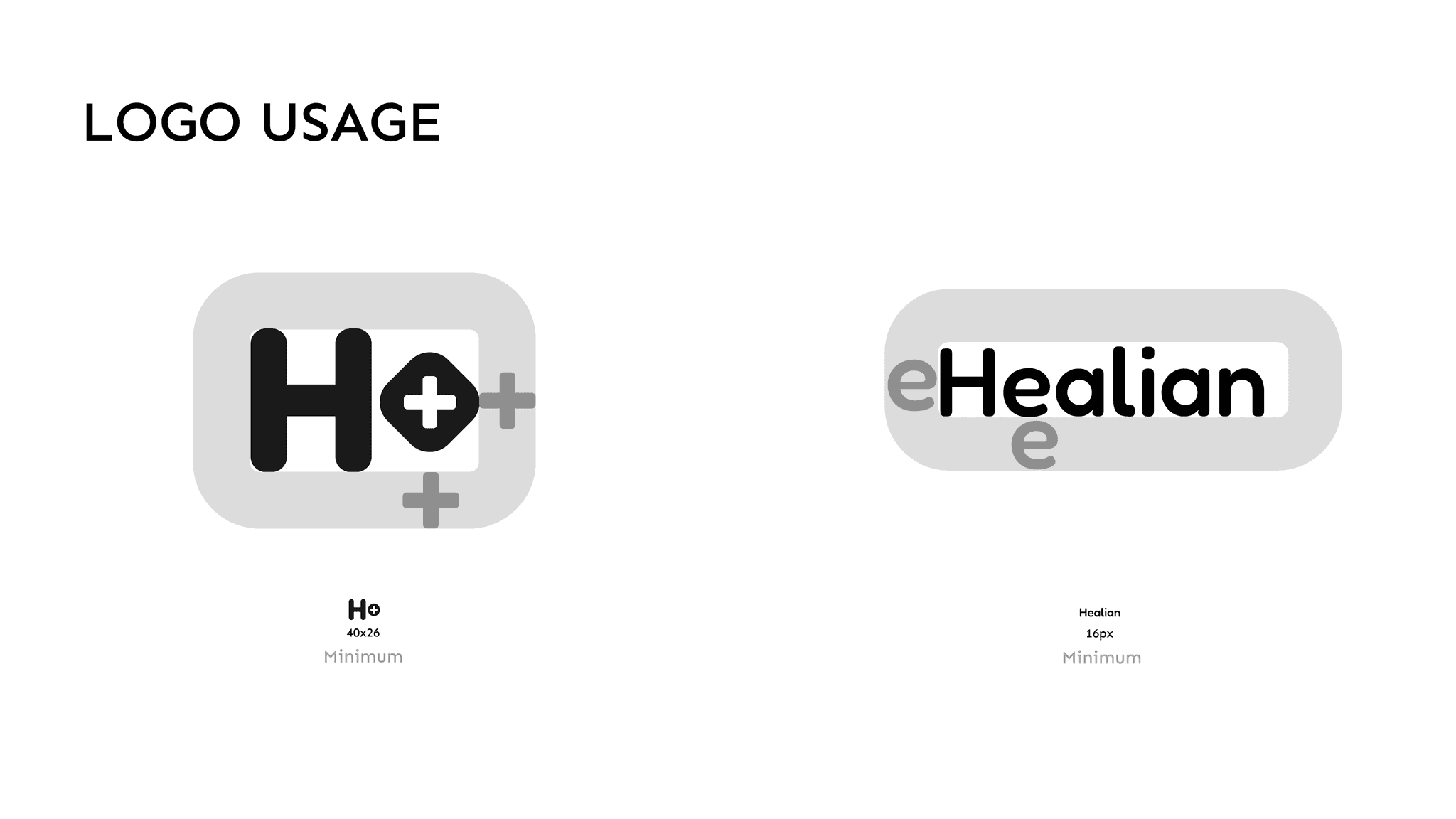
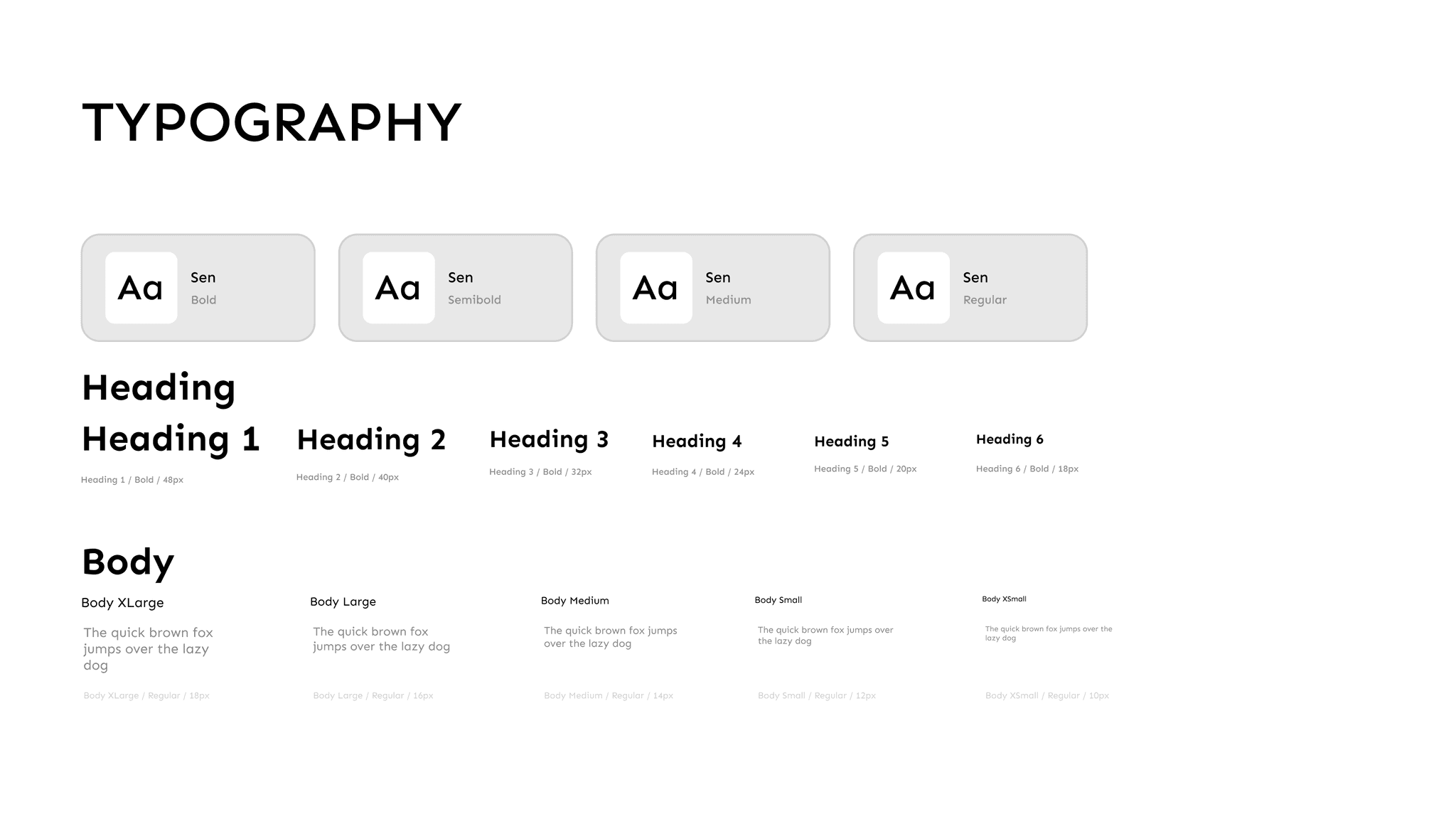
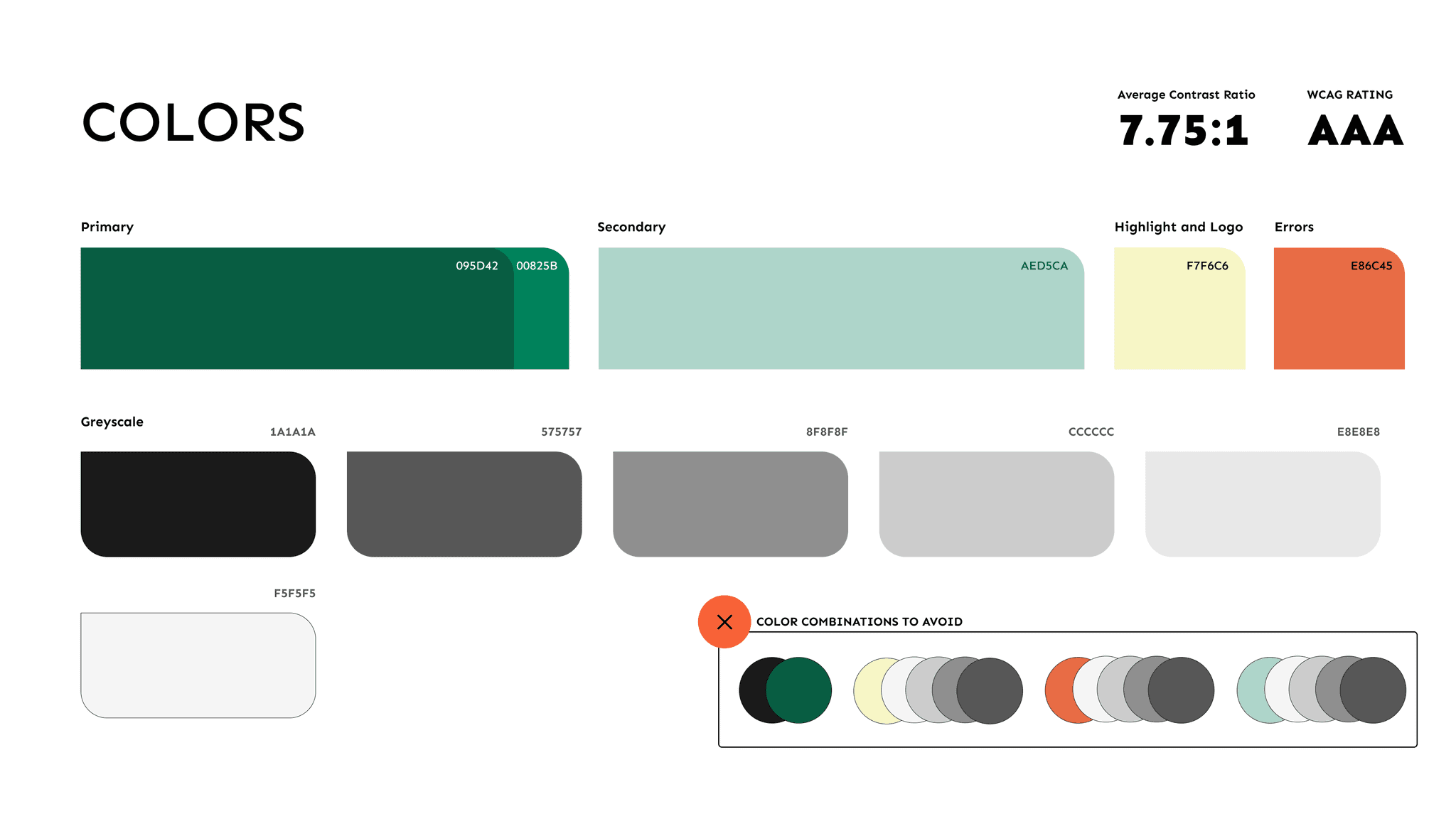
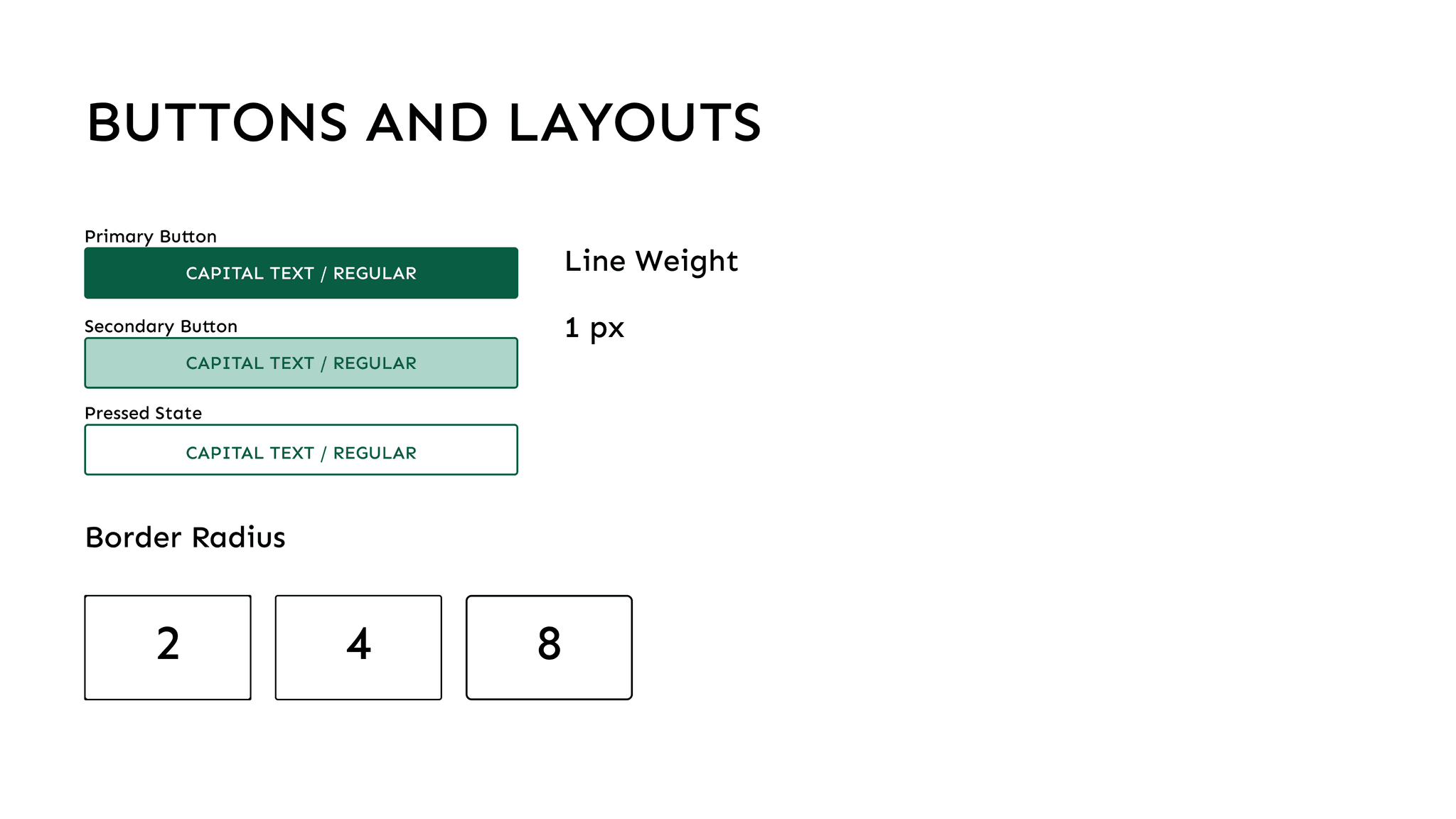
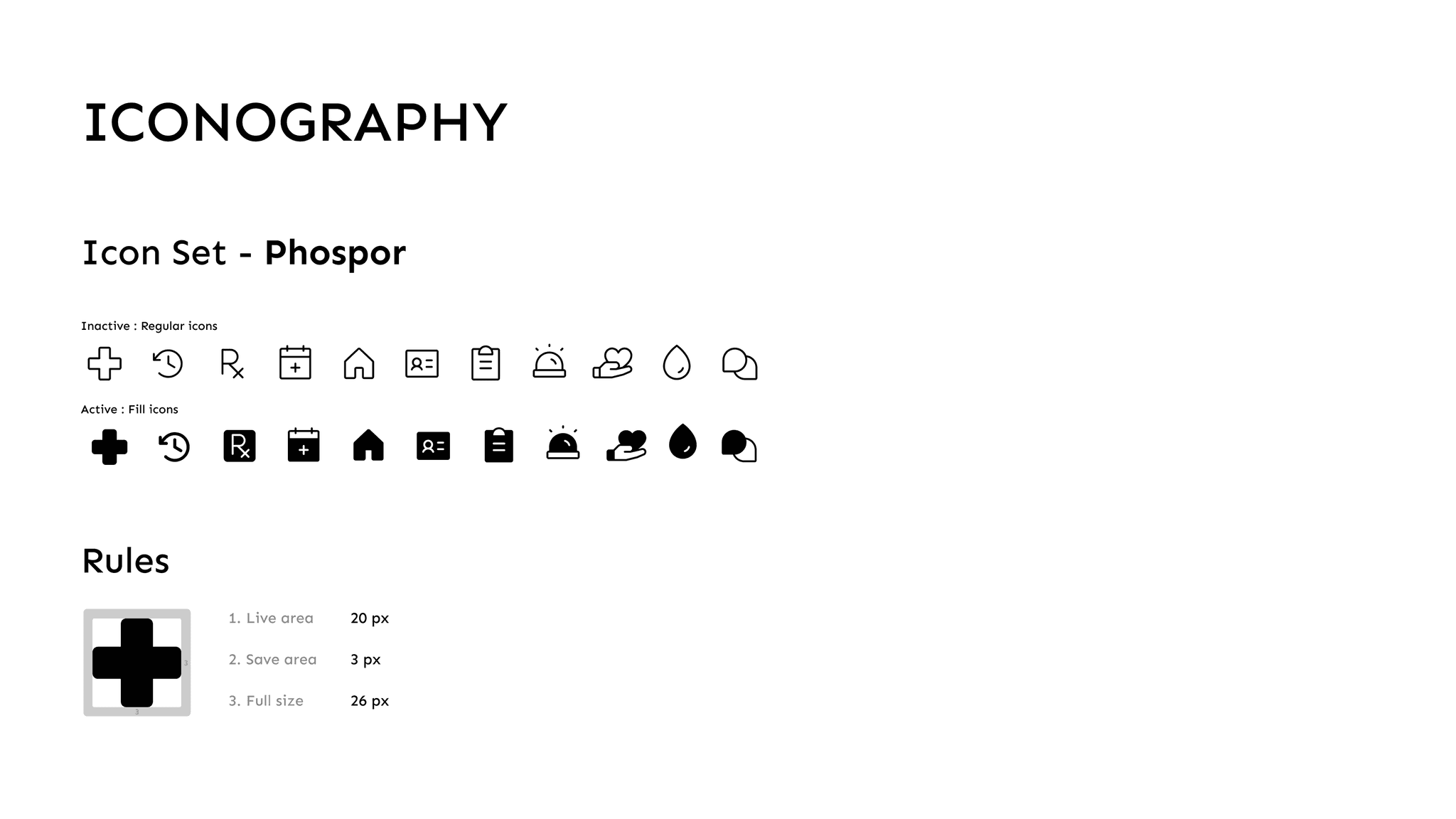
Style Guide
Increased Efficiency
Users report significant time savings and improved productivity through optimized scheduling recommendations.
Positive User Feedback
High user satisfaction ratings and positive reviews highlight the app's intuitive interface and powerful AI capabilities.
Growing User Base
The app quickly gained traction among individuals and businesses worldwide, with a steady increase in user adoption and engagement.