COMPANY
ROLE
Full-Stack Developer
EXPERTISE
Social Media
tools



Figma
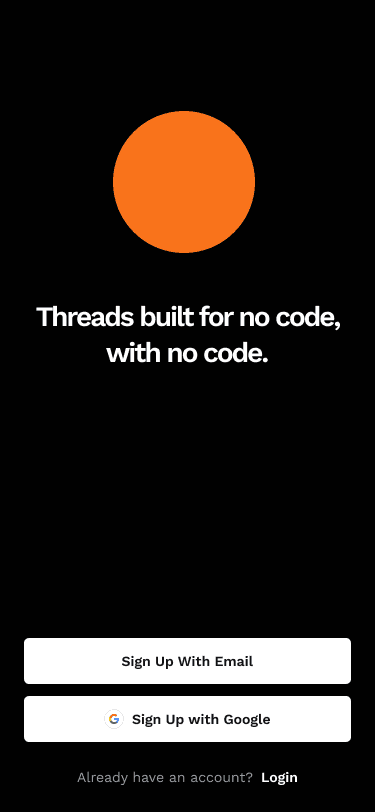
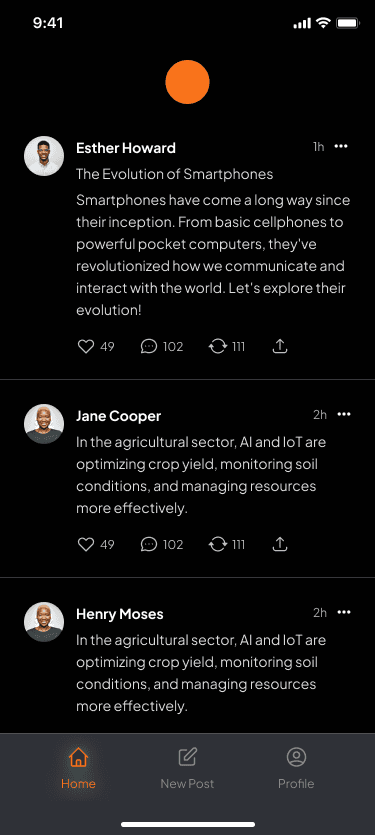
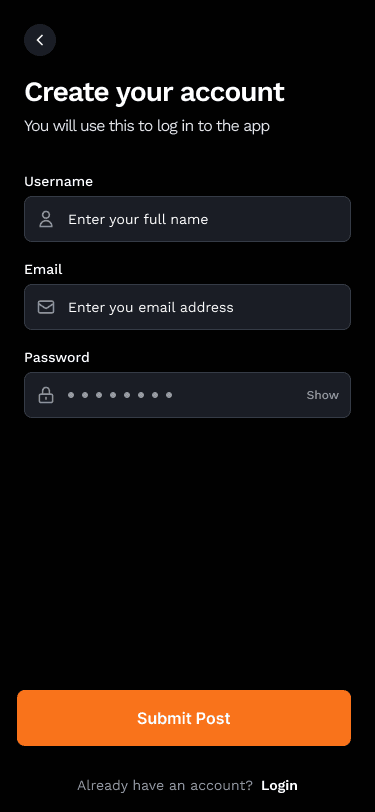
Designed different screens required for the application from onboarding to the main feature screens. I also designed a style guide for the app.
FlutterFlow
Imported the style guide from figma to flutterflow and developed the screens. Used database logic and connected firebase for the database of the users and the posts.
Google Firebase
Set up database schema on firebase to store the user data.
Design Components
Conducted secondary research to identify the challenges faced by the users with keyboard shortcuts. Below are the research findings.
Design & Prototyping
Collaborated with my team members to create interactive prototypes. Iteratively refined designs based on mentor feedback to enhance usability and visual appeal.
Development & Implementation
Leveraged agile development methodologies to build the prototype on effect house to demonstrate the final vision of the product to the shareholders. Prioritized feature development based on user feedback and technical feasibility.
Testing & Optimization
Conducted rigorous testing across various devices and platforms to ensure compatibility and performance. Gathered user feedback through beta testing and iteratively optimized the app based on usability metrics and user satisfaction.
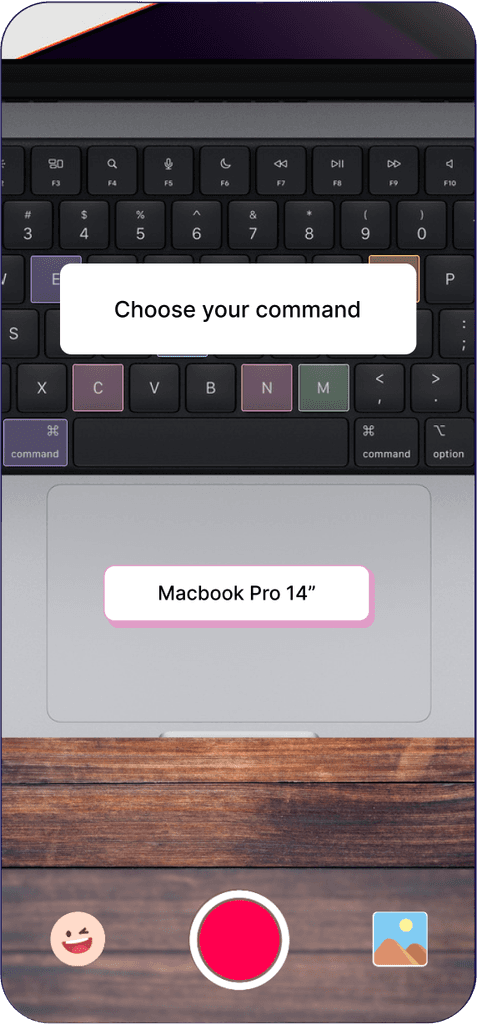
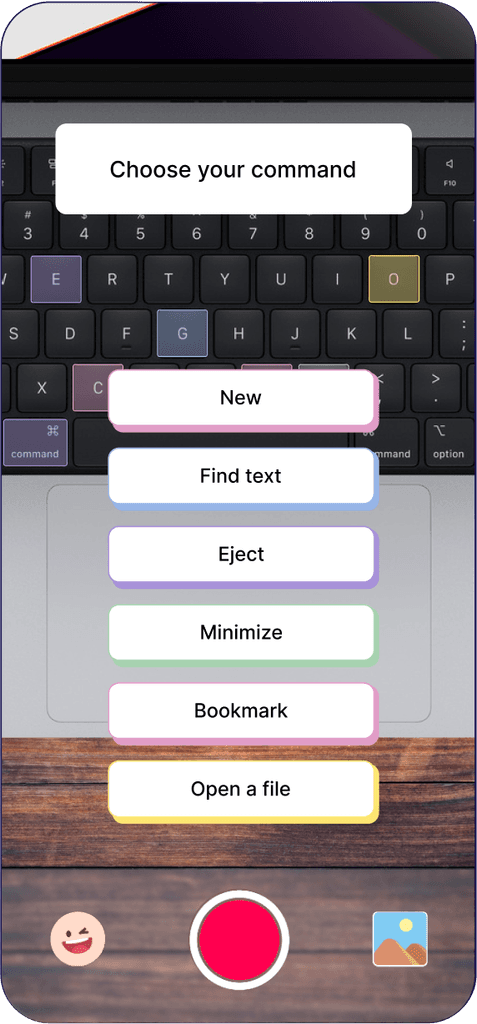
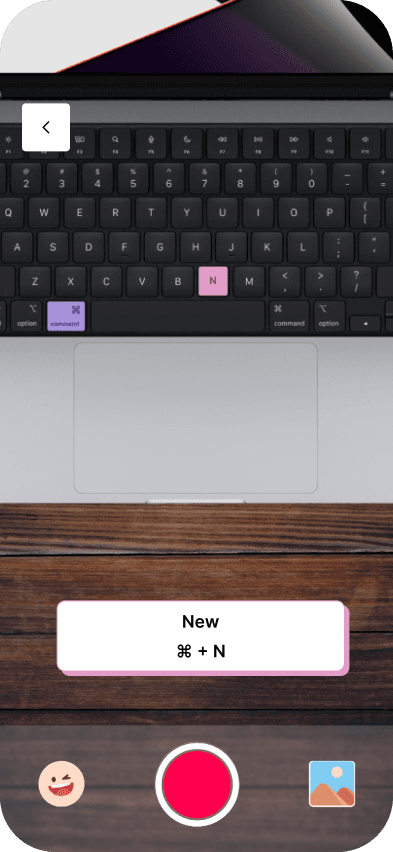
Real-time visual guidance on shortcuts

User ease in navigating the interface
Success rates in remembering shortcuts
Efficiency improvement after Commandfreak training
Use of AR technology
Display real-time visual guides on physical keyboards
Facilitating interactive and intuitive shortcut learning
Muscle Memory Activation: Direct visual interaction on the keyboard reinforces shortcut learning by triggering visual memory, making it easier to recall and use commands quickly.
Style Guide
Compatibility with different software
(Adobe Suite, Microsoft, etc.)
Partnerships with Keyboard Companies
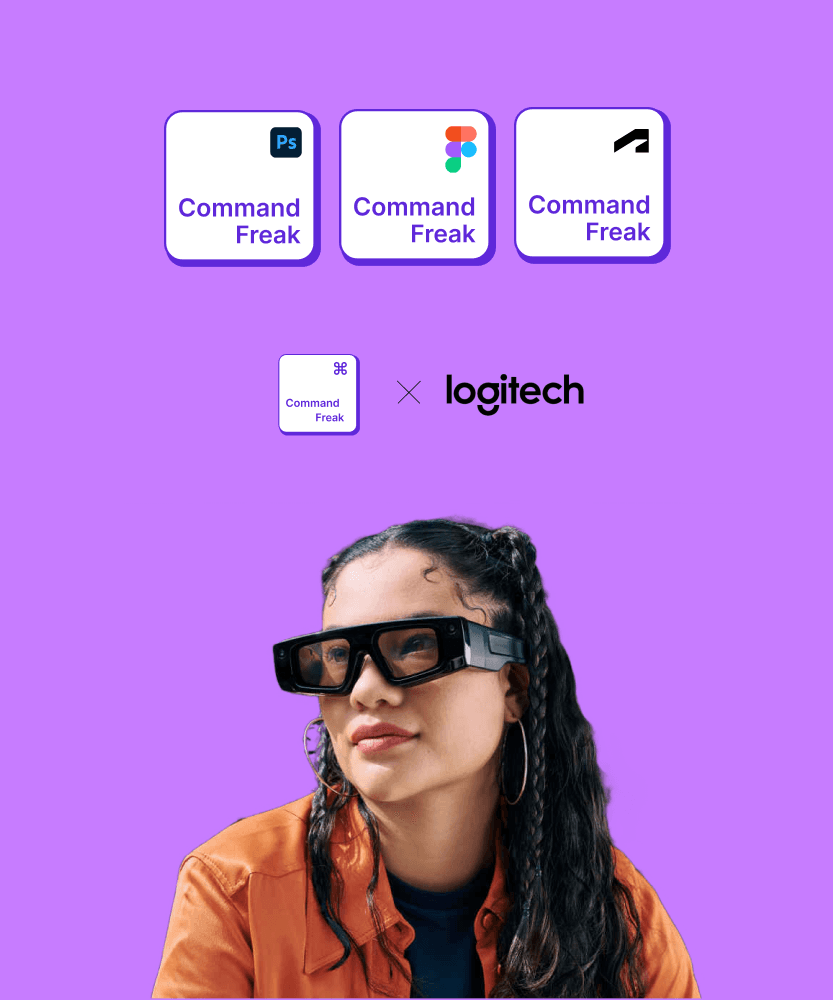
New device integrations like smart glasses.
Ability to make personal collections
Increased Efficiency
Users report significant time savings and improved productivity through optimized scheduling recommendations.
Positive User Feedback
High user satisfaction ratings and positive reviews highlight the app's intuitive interface and powerful AI capabilities.
Growing User Base
The app quickly gained traction among individuals and businesses worldwide, with a steady increase in user adoption and engagement.